Port 8080 in Vercel Sandboxes: Why This Tiny Change Matters
Port 8080 is now open in Vercel Sandboxes, and the controller moved to 23456. Here's why a single freed-up port saves real time for builders on a budget.
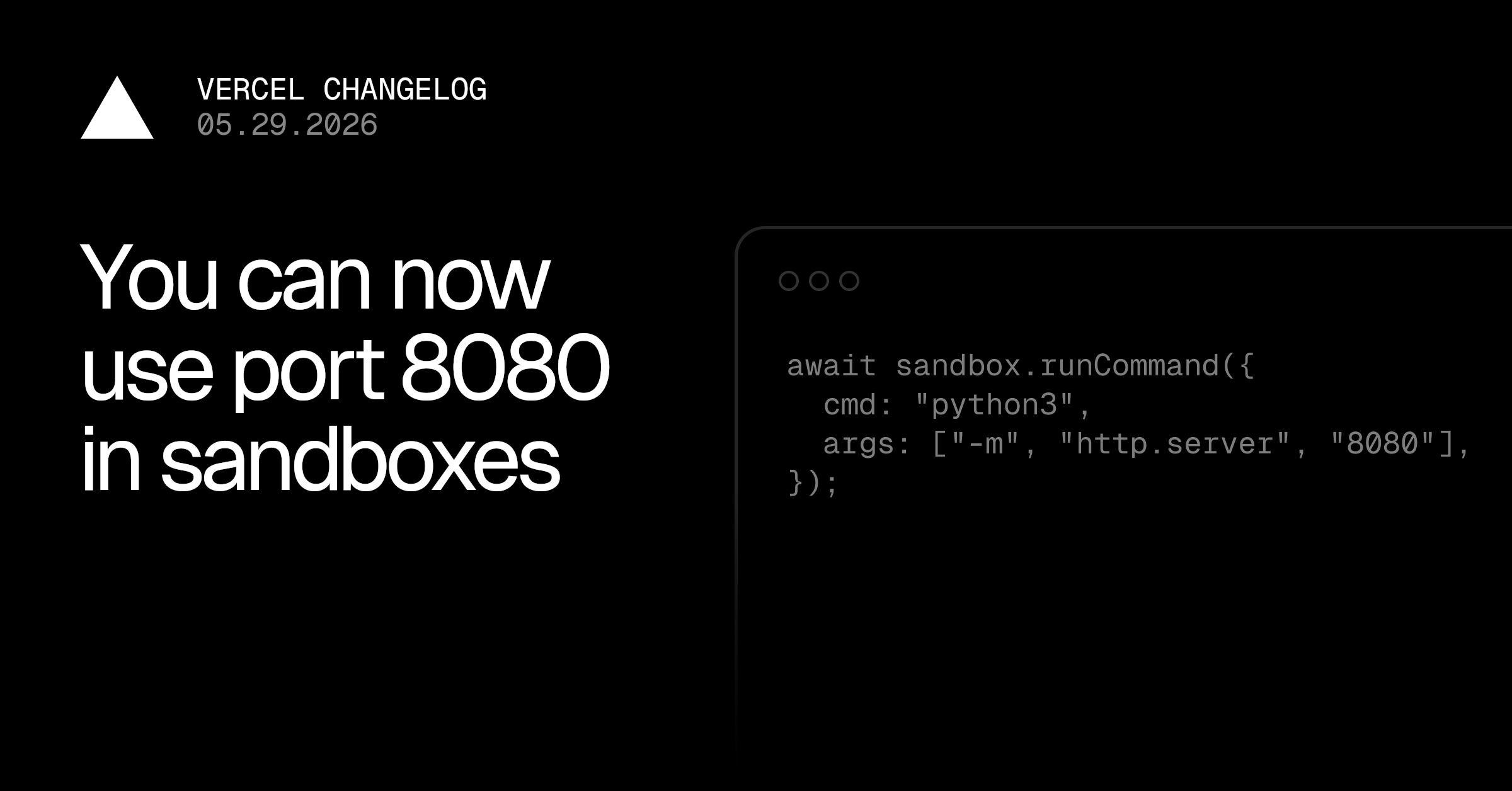
Port 8080 is now available in Vercel Sandboxes, and if you have ever fought a hosting platform over which port your app is allowed to listen on, you already know why I'm writing about a change this small. Vercel announced it in their changelog, and on paper it's one sentence. In practice it removes a paper-cut that hits anyone running real frameworks in a throwaway environment.
The short version: you can now open and bind to port 8080 as an ingress domain, and the controller port that used to sit there has moved to port 23456.
🔌 Why one port number is a bigger deal than it looks
Port 8080 is not a random number. It is the unofficial second home of HTTP, and a huge slice of the tooling world defaults to it out of the box. When a platform reserves 8080 for its own internal use, every one of those tools needs reconfiguring before it will serve traffic.
Here are just a few things that reach for 8080 by default:
| Tool / framework | Default port |
|---|---|
| Apache Tomcat | 8080 |
| Spring Boot (embedded server) | 8080 |
| Many official Docker images | 8080 |
http-server, dev proxies, sample apps |
8080 |
| Jenkins | 8080 |
So before this change, if you span up a Vercel Sandbox to test a Spring Boot service or a stock Docker image, you had to override the port first. Now you bind to 8080 and it works the way the tutorial said it would.
Key takeaway: Freeing port 8080 means a large class of off-the-shelf apps run in a Vercel Sandbox with zero port surgery. That's fewer config lines between you and a working demo.
🔁 What actually changed under the hood
The catch with 8080 was always that Vercel was using it as a controller port for the Sandbox itself. You can't hand a port to user code and also use it for internal plumbing. So the fix was straightforward: move the plumbing out of the way.
| Before | After | |
|---|---|---|
| Port 8080 | Controller (internal) | Open to your app as ingress |
| Controller port | 8080 | 23456 |
If you have any Sandbox setup that referenced the controller on 8080, that's the one thing to check. The number to remember is 23456. For everything else, this is purely additive: you gain a port, you don't lose one.
# Roughly the shape of what now "just works" in a Sandbox
# a stock image that listens on 8080 no longer needs remapping
docker run -p 8080:8080 my-app
# bind your own server to 8080 and expose it as an ingress domain
node server.js   # app.listen(8080)
💡 What a Vercel Sandbox is, and why builders care
If you haven't used them, Vercel Sandboxes are short-lived, isolated compute environments you can spin up to [run code](https://induwara.lk/tools/online-cpp-compiler) that you don't necessarily trust or don't want touching your main machine. The obvious use case in 2026 is running AI-generated code: a model writes something, you execute it somewhere disposable, you read the result, the environment goes away.
That pattern matters for three groups I think about a lot:
- Students who want to run a real server without paying for or babysitting one.
- Solo builders and small teams validating an idea before committing to infrastructure.
- Anyone building AI agents that need to execute generated code safely.
For all three, every default that "just works" is one less thing to debug at 1am. Port 8080 being open is exactly that kind of default.
The value of ephemeral compute isn't raw power. It's that you can be careless on purpose, because nothing you do leaves a mess behind.
🌐 The free-tier and learning-budget angle
Here in Sri Lanka, a lot of us learn and ship on tight budgets and shared, sometimes flaky connections. Provisioning a VPS, opening firewall ports, and tearing it down afterwards is real friction when all you wanted was to test one service for ten minutes. Disposable cloud sandboxes shift that cost model: you pay for the seconds you run, not for an idle box.
A quick way to think about where a Sandbox fits versus the alternatives:
| Need | Reach for |
|---|---|
| Run a snippet, see output instantly | A browser-based compiler |
| Test a real server / framework on a port | A cloud sandbox |
| Long-running production service | A proper host or VPS |
If your goal is the first row, running a quick snippet in the browser, you don't need any of this. Our free online code compilers run Python, JavaScript and more entirely client-side, no port, no account, nothing to tear down. Sandboxes are for the middle row, when you specifically need a network-reachable service on a port like 8080.
⚡ What this means for you
If you run framework code, Docker images, or AI-generated services in Vercel Sandboxes, this is a small upgrade you can adopt today with no downside:
- Bind to port 8080 directly and expose it as an ingress domain. No more remapping stock apps.
- Update any reference to the controller to use port 23456 instead of 8080.
- Treat 8080 as yours now. The most common default in web dev finally matches the platform.
It's a one-line changelog entry, but it's the kind of change that quietly saves you a config step every single time. I'll take a hundred of those over one flashy feature I'll never switch on. For the full detail, the original note lives on Vercel's changelog; everything above is my read on why it's worth a minute of your attention.
Original source
Port 8080 is now available in Vercel Sandboxes